
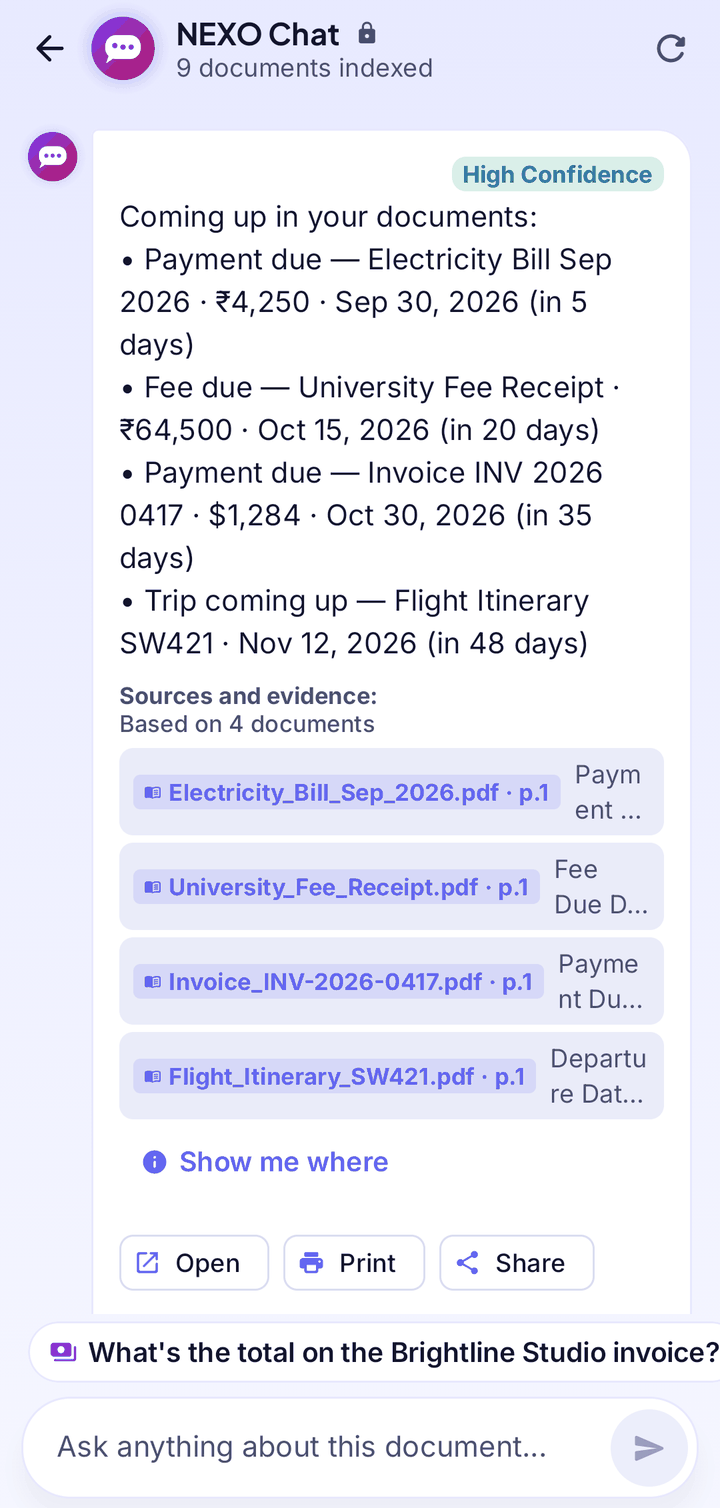
What can you ask?
Ask the way you would ask a person.
Amounts
“How much do I need to pay?” or the total on an invoice.
Dates
“Until when is my cover valid?” or when something expires.
Trips
“Where am I flying to?” or when a trip starts.
Who and where
Who issued a document, or an address inside it.
Summaries
Ask for a short summary of a long document.
What’s due soon
Bills, fees, premiums, expiries and trips coming up, with amounts and dates.
Answers you can check
Every answer taken from your documents shows its source and page. Tap a source to open that page, or tap Show me where to see the exact passage.
- Answers come only from your documents
- If NEXO can’t find something, it says so instead of guessing
- Open, Print and Share buttons work on the document an answer came from
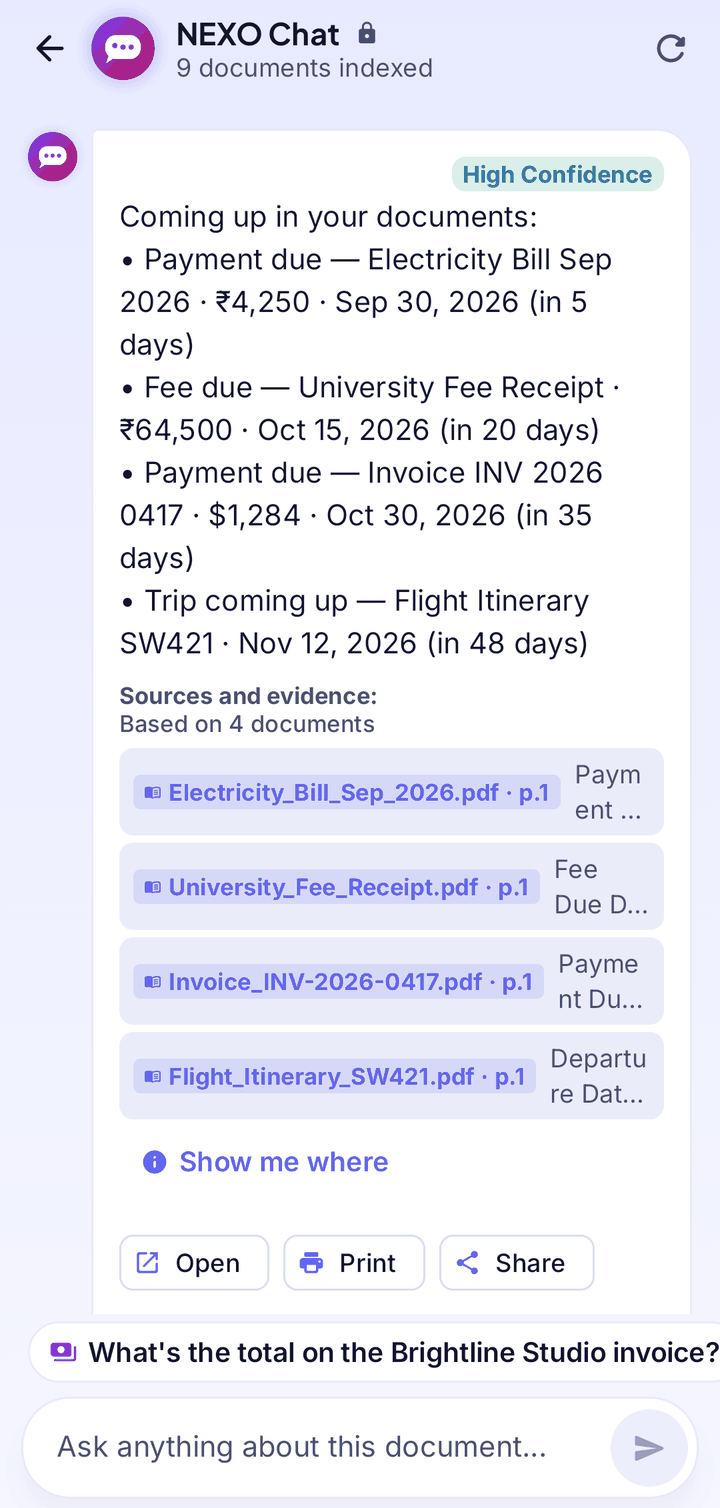
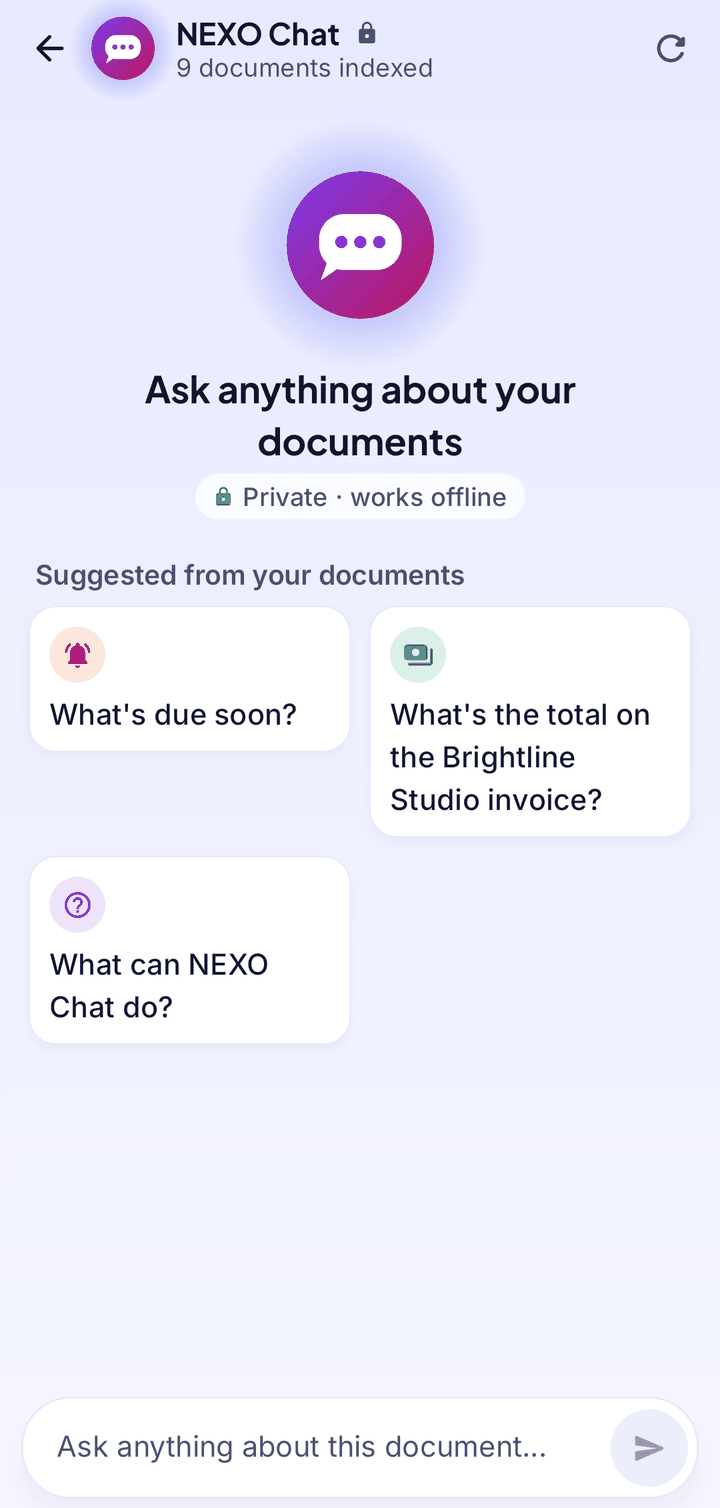
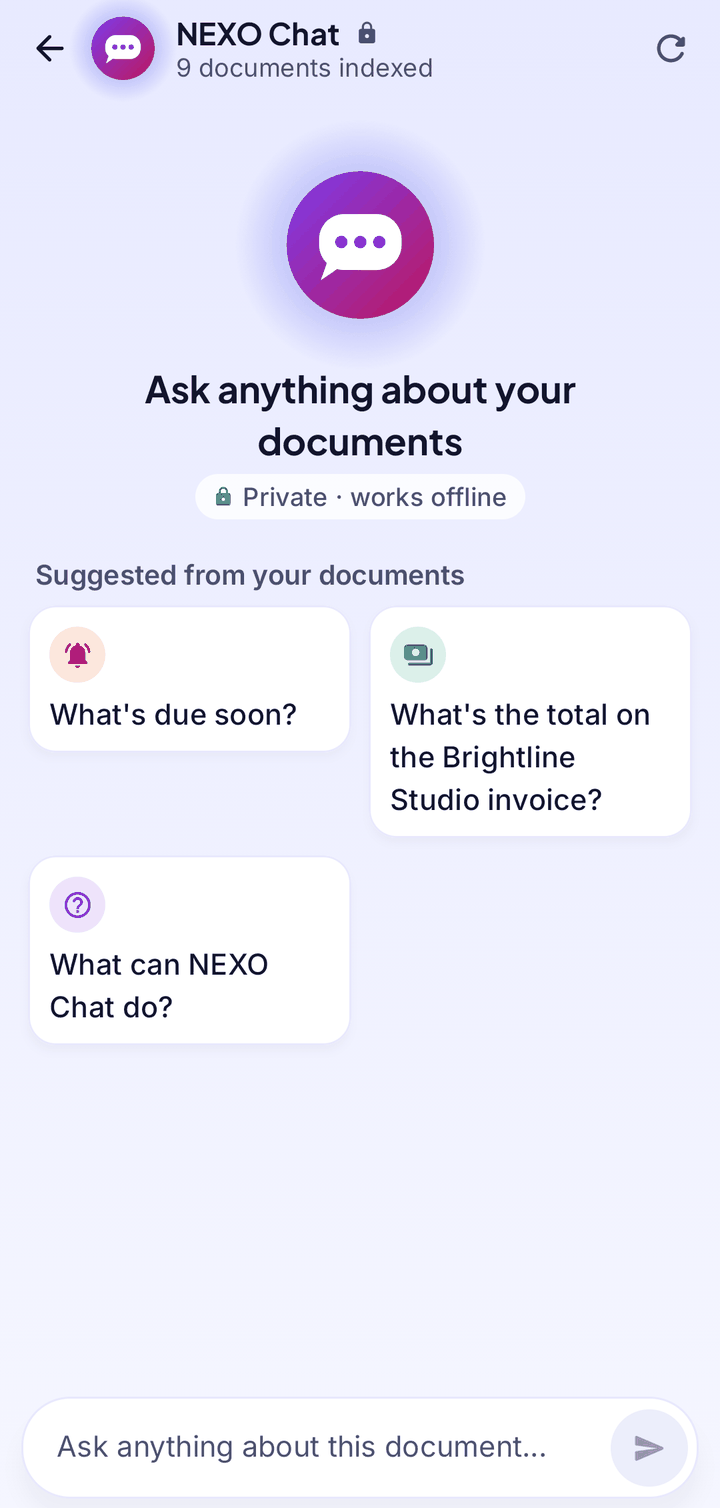
Questions suggested from your own documents
When you open NEXO Chat it suggests questions based on what your documents really contain, such as the total on an invoice or when a policy expires. Tap one to ask it, or type your own.
- One document or your whole library
- A chat opened from a file is about that file only
- Open it from Home, a file, the PDF viewer or a reminder
Private and offline
NEXO Chat runs on your phone. Your documents and your questions are never uploaded, and it keeps working in airplane mode.
- No account and no cloud
- Reads scans, photos of documents, screenshots, PDFs and Word, Excel and PowerPoint files
- It can also find, open, print, share or compare documents, and asks you first before changing anything
Good to know
- For important amounts and dates, tap the source to double-check.
- Clear, well-lit text works best. A photo with no readable text has nothing to ask about.
- If you get no answer, ask for one fact at a time or open the chat from that document.
- After you connect the documents on your phone, wait until “Preparing your documents” finishes.
Your documents. Your phone. Nobody else.
NEXO: Scan, Chat & Print is coming soon to Google Play and the App Store.