
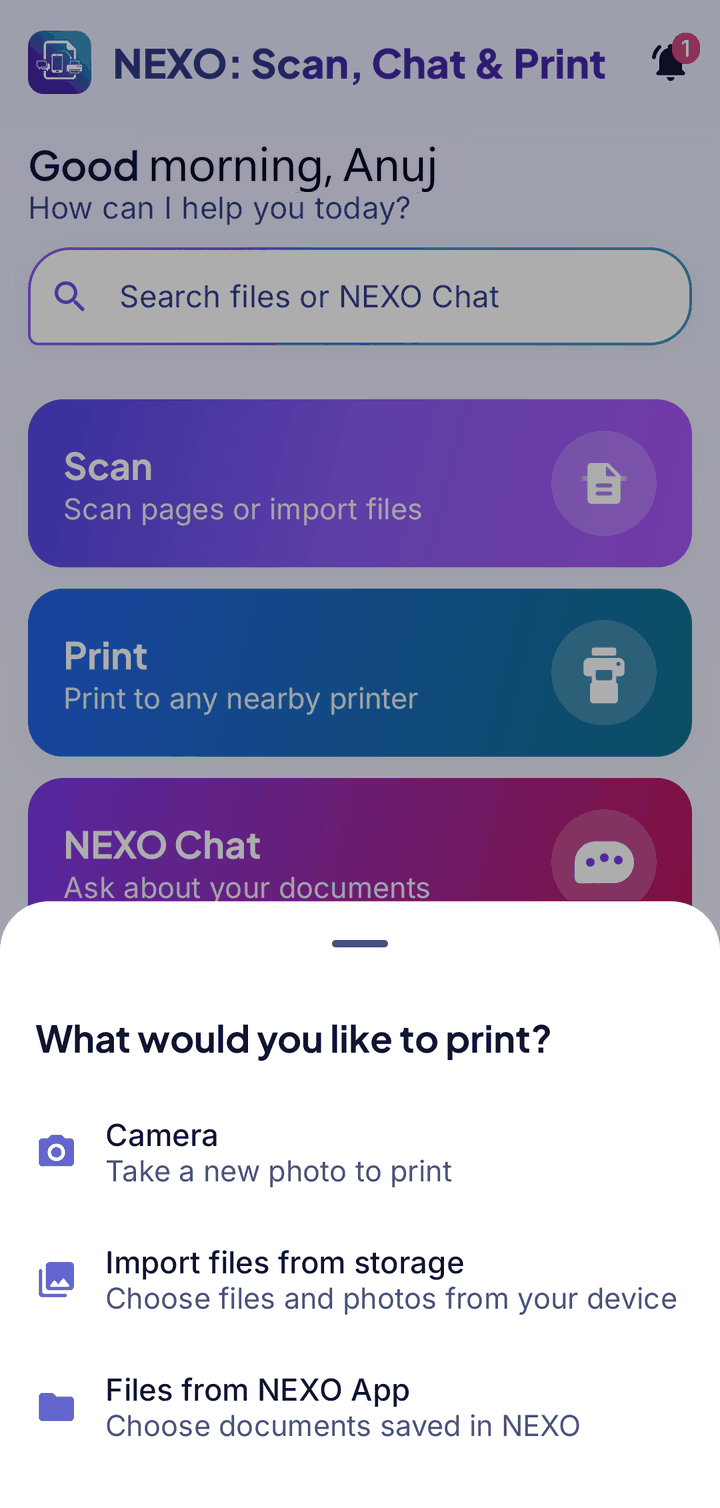
Connect the way your printer does
Pick your printer first, and NEXO shows the options it supports.
Wi-Fi printers
Print directly over your network (IPP) or through Android Print. Keep your phone and printer on the same network.
USB printers
Connect with an OTG adapter to a supported printer.
Bluetooth thermal & label
For receipt and label printers. Pair the printer in Android settings first. A thermal job is limited to 10 pages.
Other printers
Type in a printer’s address, or hand off to Android Print for printers with their own plug-in.
Quick print
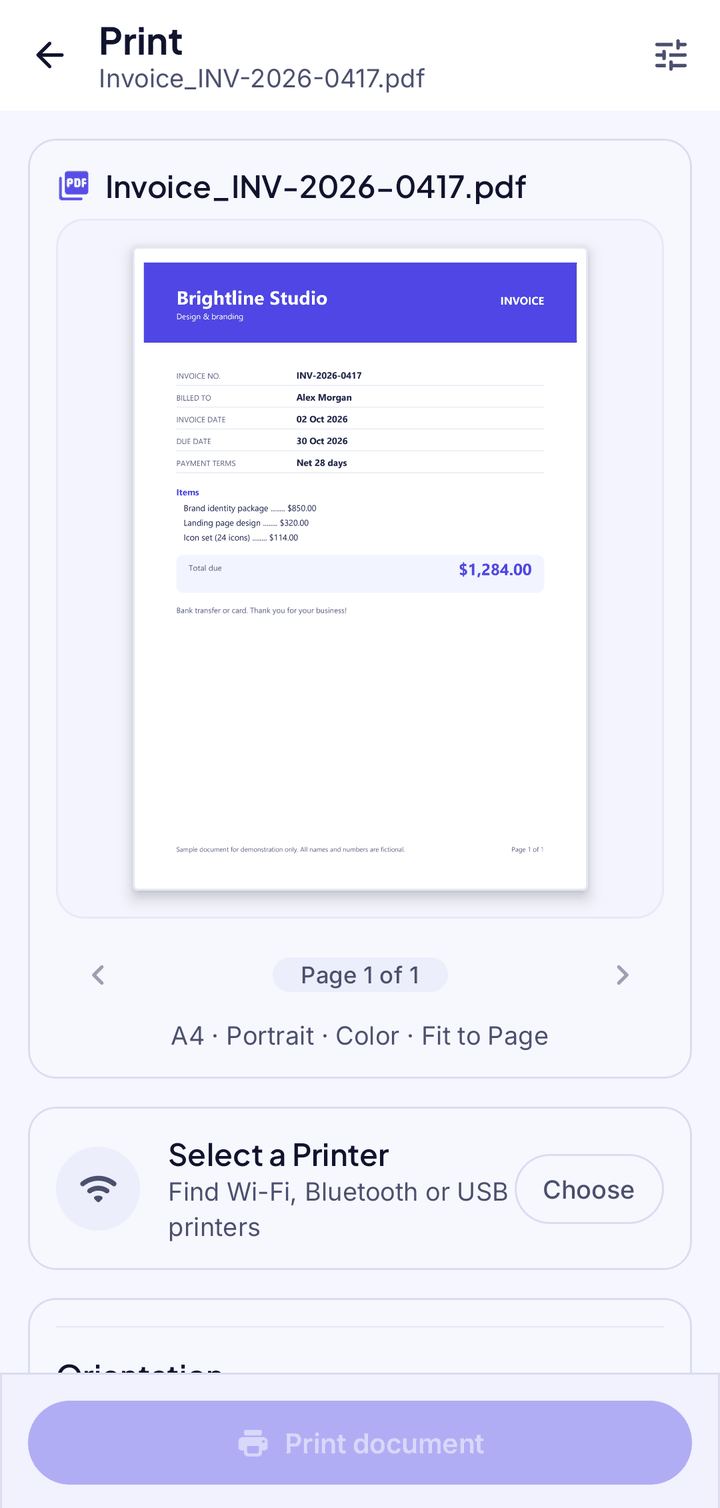
NEXO remembers your last printer so printing is one tap next time.
Share & save as PDF
No printer? Share a copy or save it as a PDF.
Choose what to print
Print a new photo, files from your phone, or documents saved in NEXO.
- Copies, page range, paper size, margins and scaling
- Print quality and two-sided printing where your printer supports them
- Photos also get layout, borderless and paper-type settings
- A preview before you print
Web Print
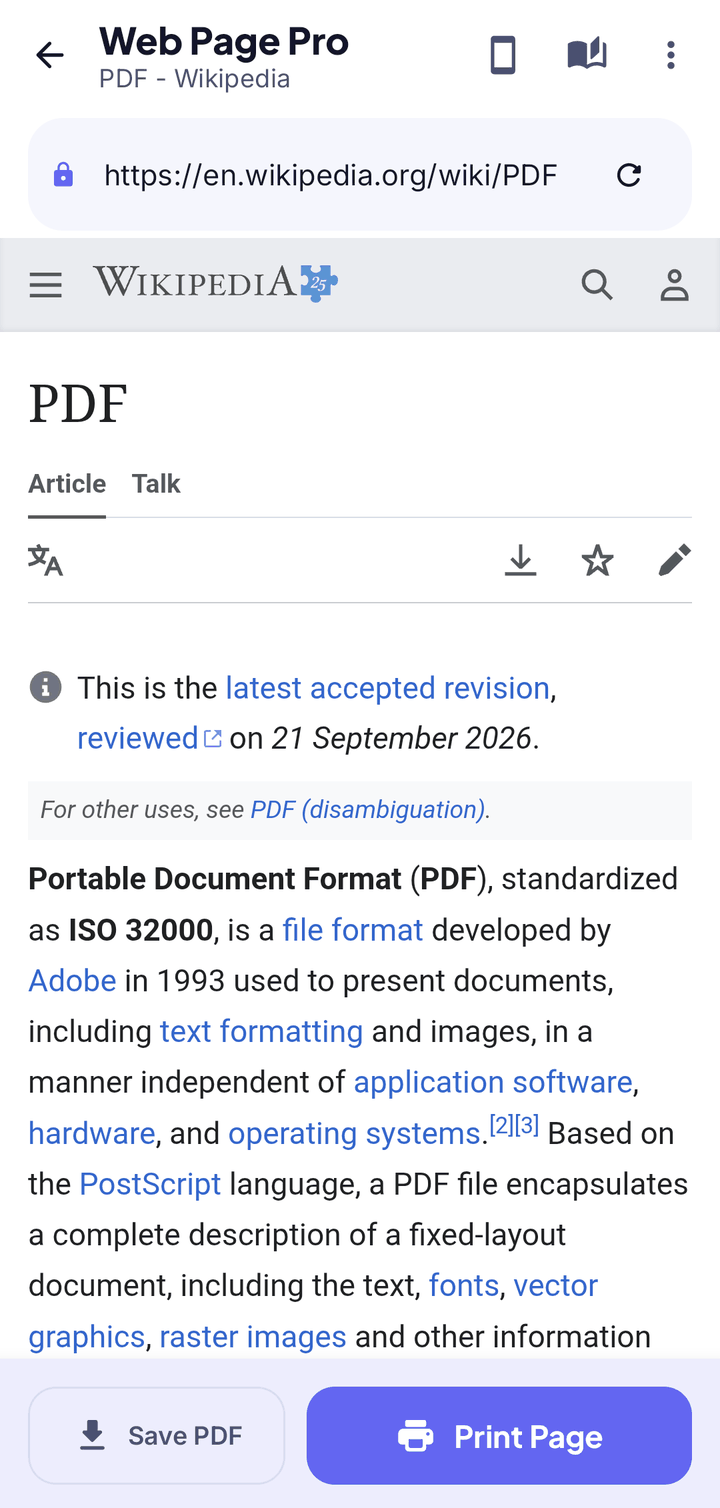
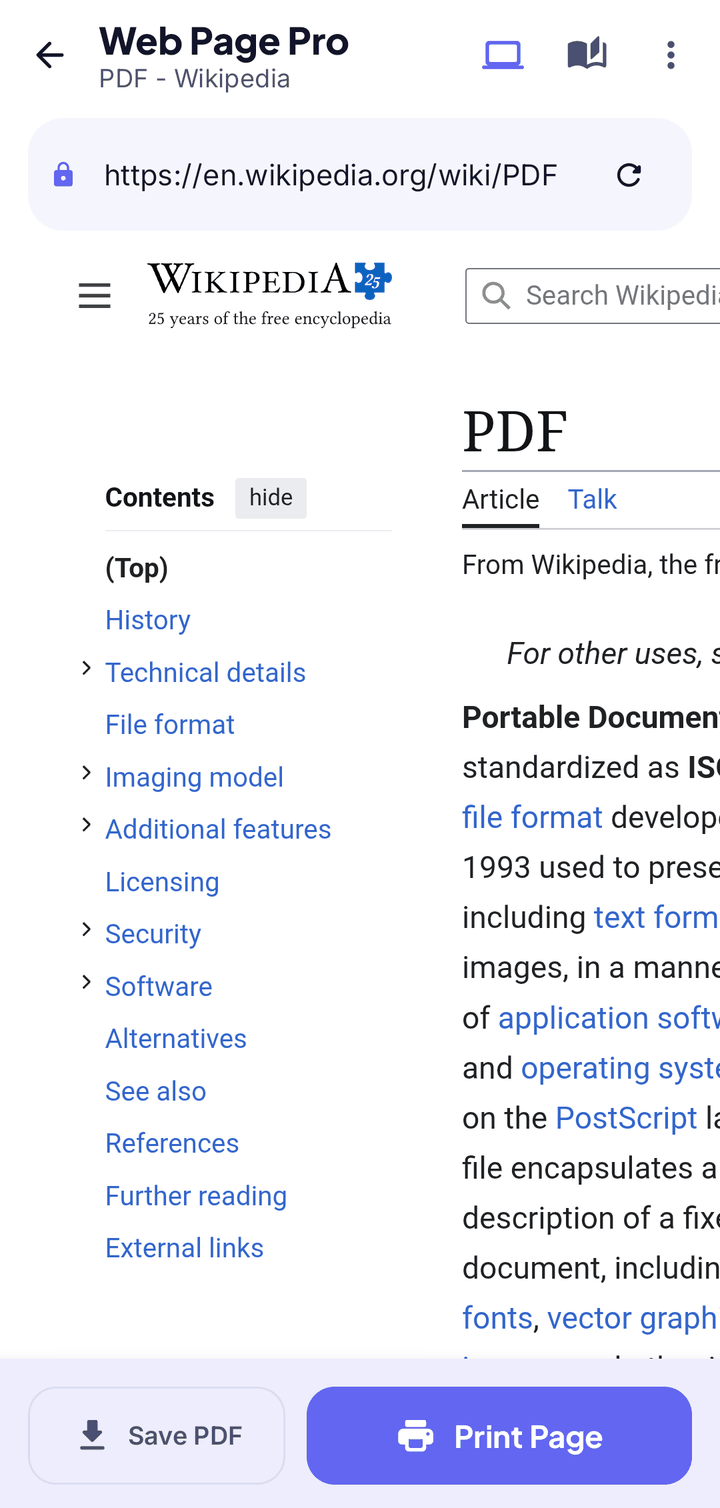
Open any web page in NEXO, then print it or save it as a PDF. You can also share a link to NEXO from your browser.
- Sign-in sessions stay inside NEXO
- Clear the web data afterwards
- Switch between the mobile and the computer version of a page before you print
Good to know
- Printer support varies by model, and features like two-sided printing depend on what your printer reports.
- If your printer isn’t found: check both are on the same network (for example 2.4 GHz), pair Bluetooth printers first, then restart the printer.
Your documents. Your phone. Nobody else.
NEXO: Scan, Chat & Print is coming soon to Google Play and the App Store.