
Built for every kind of page
NEXO’s own camera is made for documents: it finds the edges, straightens the page and cleans it up as you scan.
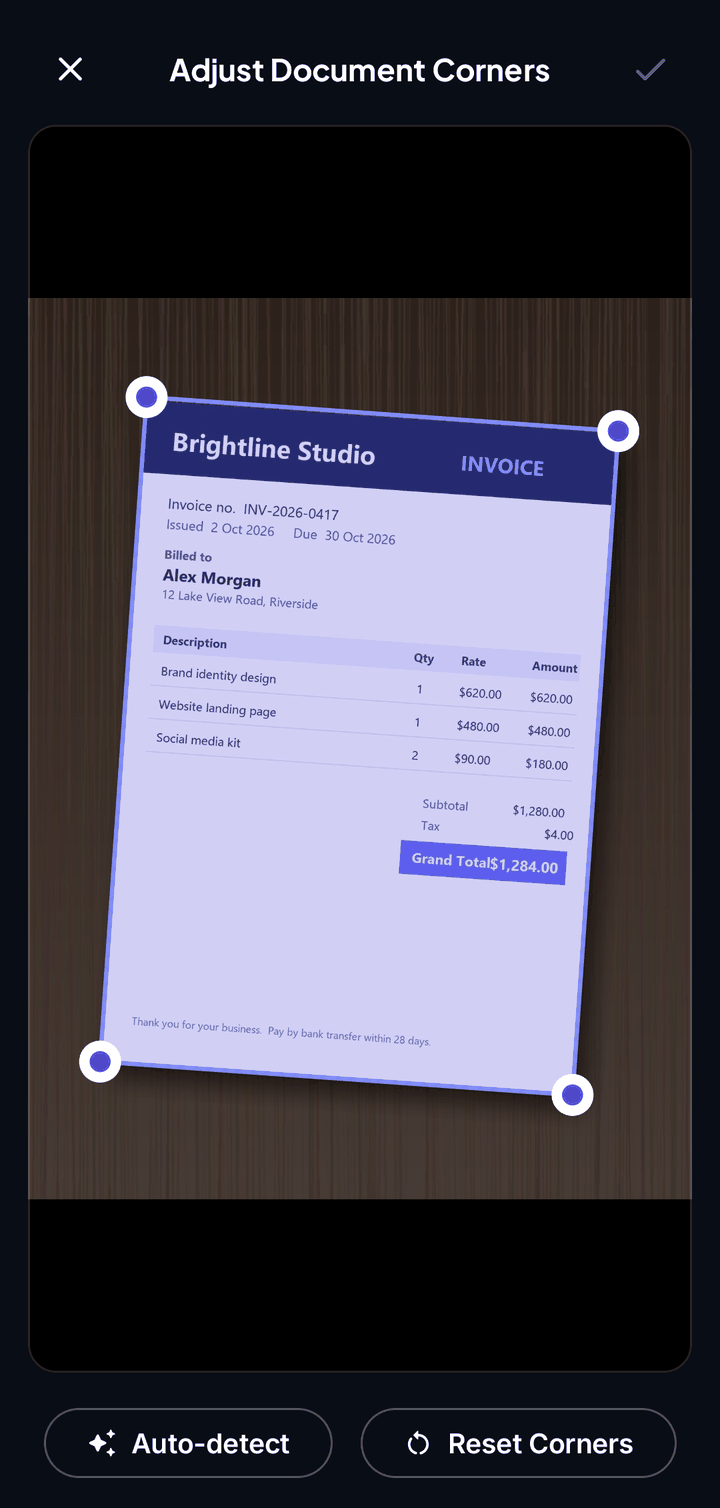
Automatic edges
NEXO highlights the page edges as you line it up and straightens the perspective for you.
Clean-up
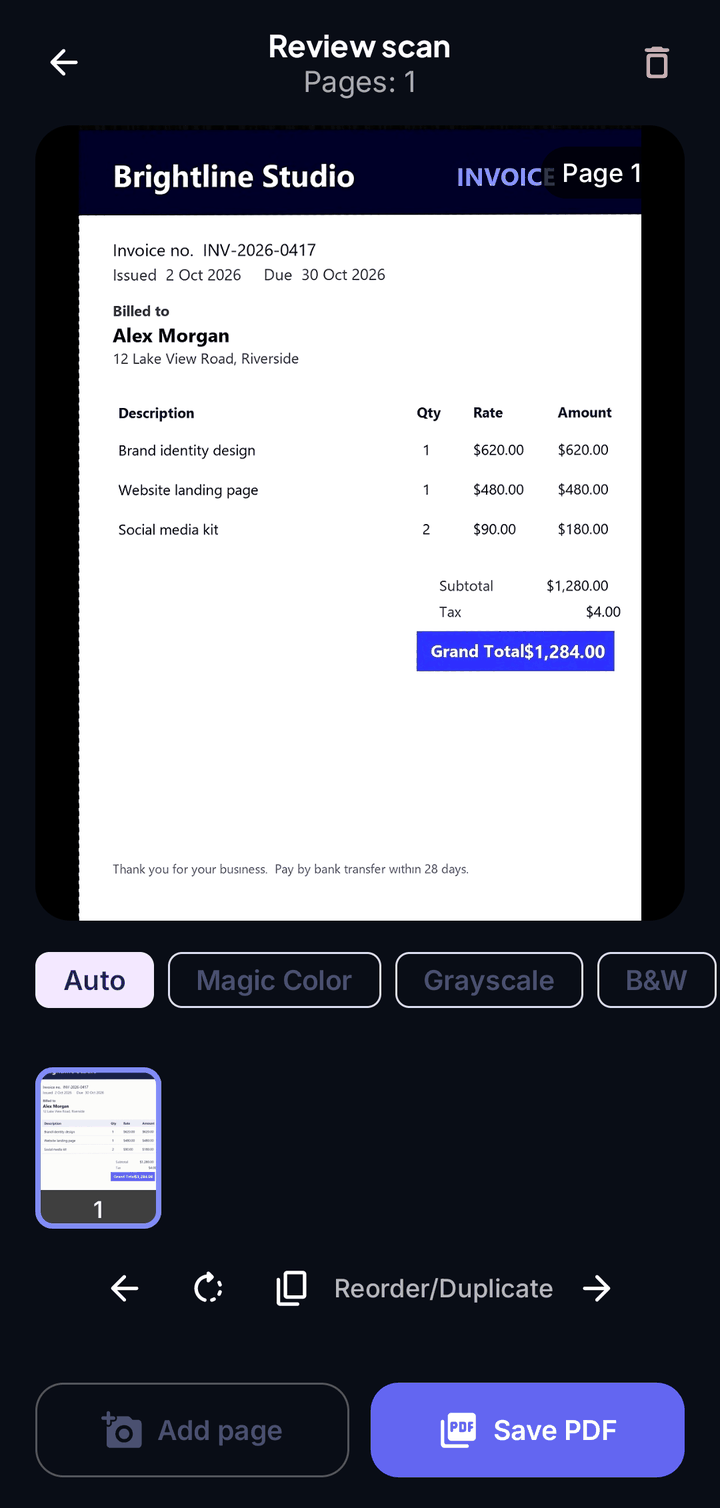
Whiter paper, sharper text, less shadow. If cleaning would hurt a page with glare or low light, the original look is kept.
Manual crop
Adjust the corners yourself when you want full control.
Multi-page
Keep capturing to build one document, then save it as a single PDF.
Quality settings
Choose High, Medium or Low scan quality in Settings, and use the flash button at the top.
Readable by you and by NEXO
The text on every page is read on your phone so you can search it, ask about it and file it.
Four scan modes
Pick the mode at the top of the scanner before you capture.
Document
Pages and forms. Keep capturing to build a multi-page document, then save it as one PDF.
ID Card
Scans the front, then asks for the back, and places both on one page.
Receipt
Made for receipts and bills, so totals and dates are easy to read later.
Book
Captures two facing pages in one shot and splits them into separate pages.
After you scan
Everything happens on your phone, in seconds.
- The text on every page is read on your phone (OCR)
- The document is filed in the right Smart Vault
- Bills and expiry dates become reminders
- Ask NEXO Chat about it straight away
Scan to what?
Every scan is already a PDF. From there you can send it wherever you need.
One tidy PDF, single or multi-page.
Images
Export pages as images.
Searchable PDF
The pages look the same, with the text behind them so you can search and copy it.
Send it to a printer from the same screen.
Share
Sharing sends a copy; the original stays in NEXO.
NEXO Chat
Ask questions about what you scanned.
Good to know
- Printed text works best. Handwriting and very decorative fonts may not be read perfectly.
- For sharp results hold the phone steady in good light and scan at a slight angle to avoid glare.
- Scans are saved in the app’s private storage by default; you can switch the save location to the SD card in Settings.
Your documents. Your phone. Nobody else.
NEXO: Scan, Chat & Print is coming soon to Google Play and the App Store.