
What NEXO looks for
It reads these dates on your phone from your scans and from documents you connect.
Bills & fees
Due dates with the amount to pay.
Insurance premiums
When your next premium is due.
Expiries
Policy, passport and ID expiry dates.
Trips
Departure dates from tickets and itineraries.
Contracts
Contract and agreement end dates.
Paid receipts
A paid fee receipt creates no reminder.
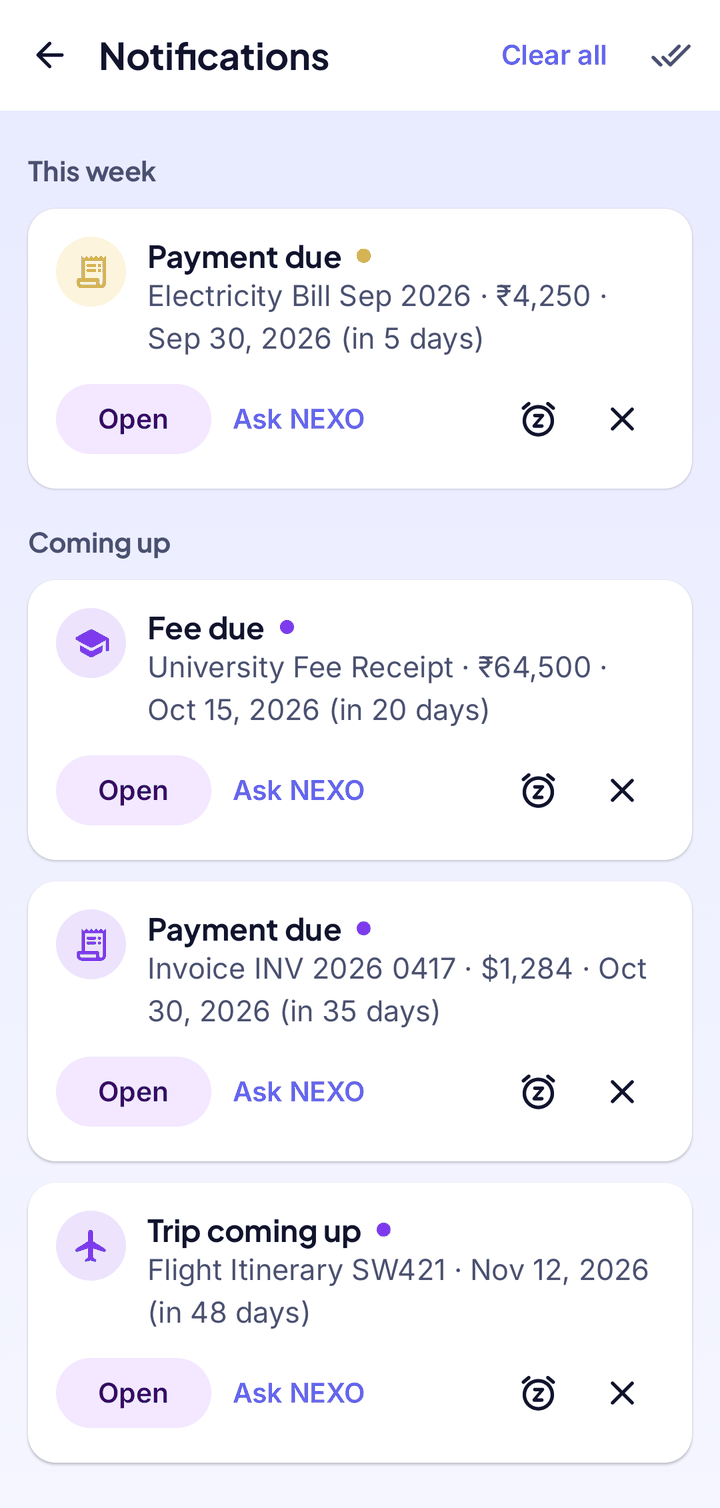
The bell on Home
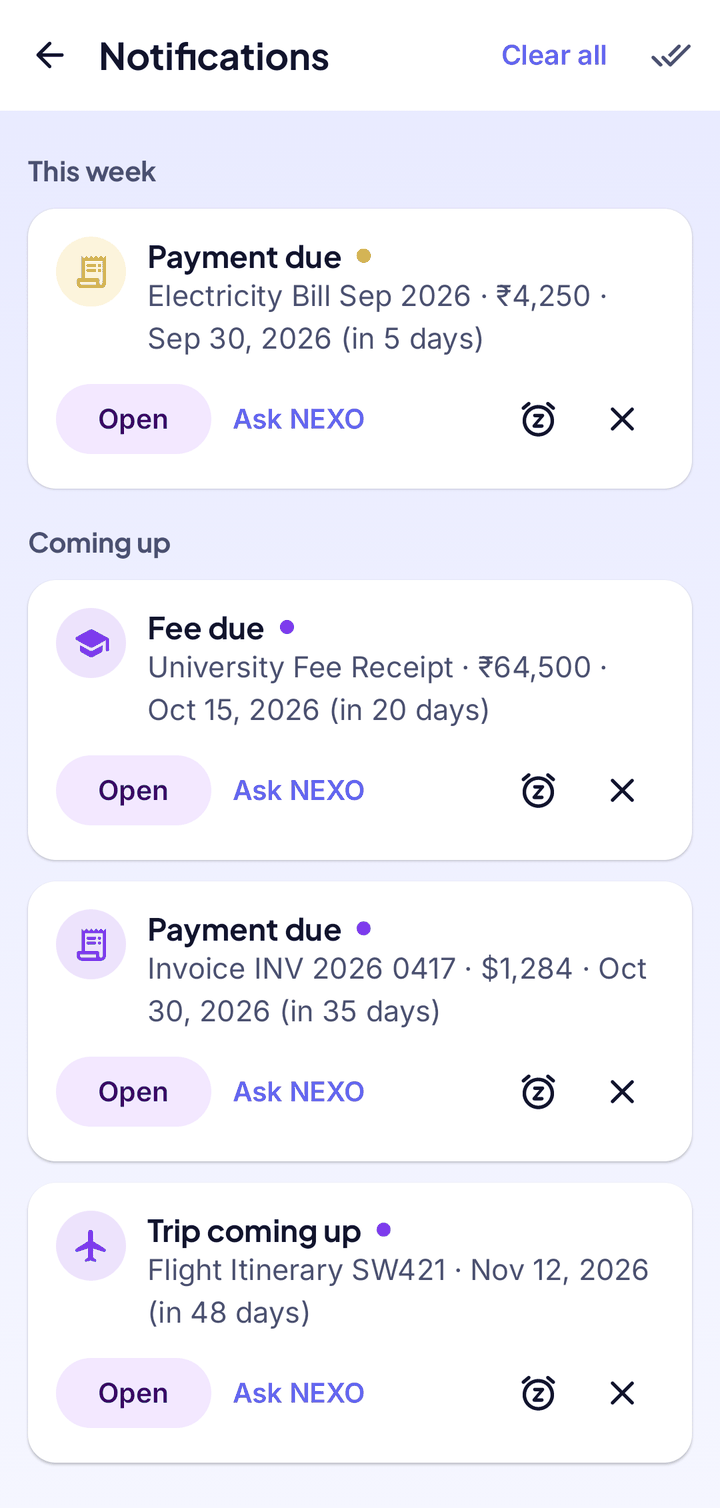
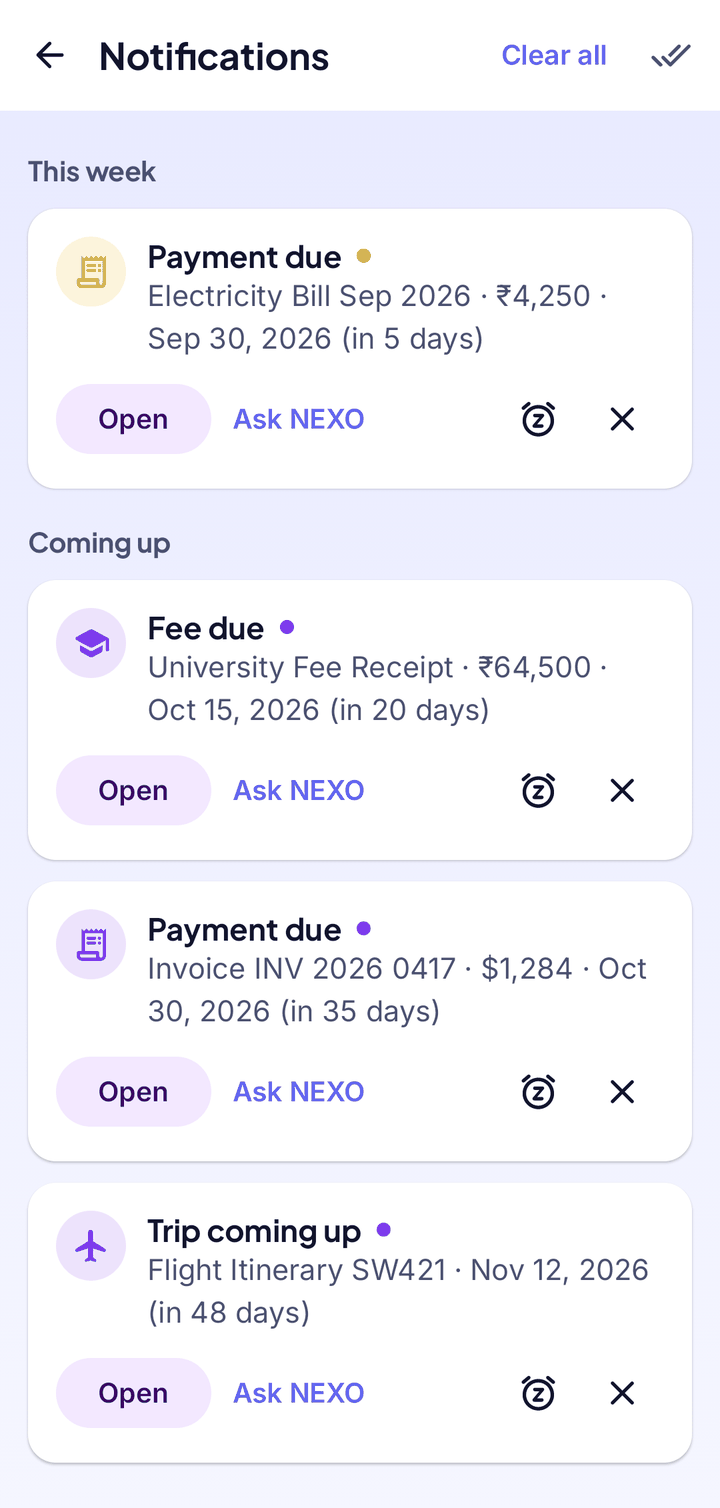
Tap the bell to see what is coming up, grouped by urgency. The number on the bell counts what is new.
- Open the document
- Ask NEXO about it
- Be reminded tomorrow
- Dismiss it, or clear all
Notifications
Phone notifications
As a date gets close NEXO sends a notification a few times, starting about a month ahead, and once more if a payment date has passed.
- Switch Smart Reminders on or off in Settings
- On the lock screen no details are shown
- Reminders always appear under the bell, even if phone notifications are off
- Ask NEXO Chat “What’s due soon?” for the same list
Due soon
Good to know
- NEXO reads dates from the text of a document, so a blurry scan or an unusual layout can hide one. Open the document to check the date.
- Dismiss a wrong reminder. For a missing one, scan the page again more clearly.
- Allow notifications for NEXO in your phone settings and make sure battery saver isn’t restricting it.
Your documents. Your phone. Nobody else.
NEXO: Scan, Chat & Print is coming soon to Google Play and the App Store.
Coming soon onGoogle PlayComing soon onApp Store